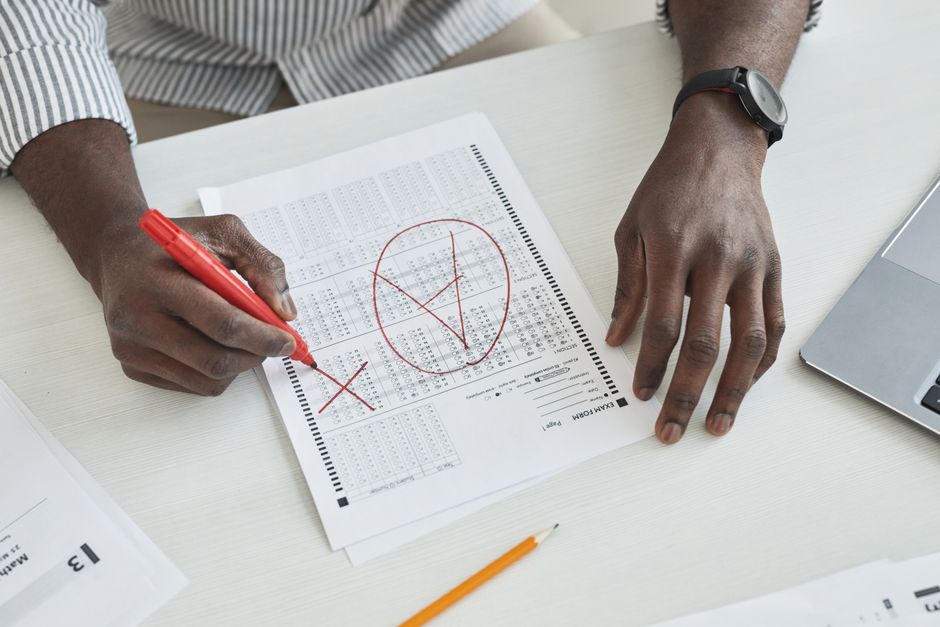
SSC MTS / Havaldar Result 2026 Released – Complete Details
The Staff Selection Commission (SSC) has officially released the SSC MTS / Havaldar Examination Result 2026 on its official website. Candidates who appeared for the Computer Based Test (CBT) conducted from 04 February 2026 can now check their results using their Enrollment Number, Registration Number, or Date of Birth through the SSC portal. This recruitment drive aims to fill a total of 7948 posts across Multi Tasking Staff and Havaldar positions in various government departments.
About Staff Selection Commission (SSC)
The Staff Selection Commission is one of India’s most prominent government recruitment agencies, established in 1975 under the Department of Personnel and Training. SSC conducts examinations for recruitment to various posts in ministries, departments, and organizations of the Government of India. The MTS (Multi Tasking Staff) and Havaldar examinations are among the most sought-after entry-level government job opportunities in India, attracting millions of candidates annually due to their Class 10 eligibility requirement, job security, and attractive government benefits. These positions are crucial for maintaining administrative functions across central government offices.
SSC MTS Havaldar 2026 Result – Key Highlights
| Particulars | Details |
|---|---|
| Recruiting Organization | Staff Selection Commission (SSC) |
| Examination Name | SSC MTS / Havaldar Examination 2026 |
| Total Vacancies | 7948 Posts |
| Result Status | Available Now (Released on 03 August 2026) |
| Official Website | ssc.gov.in |
Important Dates for SSC MTS Havaldar 2025-2026
- Online Application Start Date: 26 June 2025
- Online Application Last Date: 24 July 2025
- Last Date for Fee Payment: 25 July 2025
- Online Correction Window: 29-31 July 2025
- New Correction Date: 04 – 06 August 2025
- Self Slot Booking Period: 16-25 January 2026
- Exam City Details Released: 30 January 2026
- Admit Card Available: 02 February 2026
- Examination Conducted: 04 February 2026
- Answer Key Released: 03 March 2026
- Result Declaration Date: 03 August 2026 (Available Now)
Candidates are advised to confirm all dates from the SSC official website.
Vacancy Distribution – Post-Wise Details
| Post Name | Number of Posts | Educational Qualification |
|---|---|---|
| Multi Tasking Staff (MTS) | 6810 | Candidates Must Have Passed Class 10 from any recognized board. |
| Havaldar | 1138 | Candidates Must Have Passed Class 10 from any recognized board. Physical requirements: Male – 1600m walk in 15 mins, height 157.5 cm, chest 81 cm (fully expanded with minimum expansion of 5 cms.); Female – 1 km walk in 20 mins, height 152 cm. For more details, check the official notification. |
Application Fee Structure
- General / OBC / EWS Category: ₹ 100/-
- SC / ST / Female Candidates: ₹ 0/- (Exempted)
- PH (Persons with Disabilities): ₹ 0/- (Exempted)
Payment Methods Accepted
- Debit Card
- Credit Card
- Internet Banking
- IMPS
- Cash Card / Mobile Wallet
Age Limit Criteria (As on 01 August 2025)
- Minimum Age: 18 Years
- Maximum Age: 25-27 Years
- SSC provides age relaxation for the MTS / Havaldar position as per their regulations.
Selection Process for SSC MTS Havaldar 2026
- CBT Written Examination
- PET / PST (Physical Efficiency Test / Physical Standard Test – For Havaldar only)
- Document Verification
- Medical Examination
How to Check and Download SSC MTS Havaldar Result 2026
- Visit the official website of Staff Selection Commission
- On the homepage, navigate to the “Results” section
- Click on the “MTS” tab
- Find and click on “MTS / Havaldar Result 2026”
- The result will open in PDF format
- To find your result, press Ctrl + F and enter your Roll Number or Name
- If your roll number appears in the list, you are qualified
- Download the result PDF and take a printout for future reference
Important Links
| Download Result List-I | Click Here |
| Download Result List-II | Click Here |
| Download Result List-III | Click Here |
| Check Cutoff Marks | Click Here |
| Download Answer Key | Click Here |
| Answer Key Notice | Click Here |
| Download Admit Card | Click Here |
| Exam City Notice | Click Here |
| Self Slot Booking Notice | Click Here |
| Detailed Vacancy Notice | Click Here |
| Vacancy Details Notice | Click Here |
| New Correction Date Notice | Click Here |
| Vacancy Increase Notice | Click Here |
| Official Notification PDF | Click Here |
| SSC Official Website | Click Here |
| New Registration | Click Here |
| Candidate Login | Click Here |
Frequently Asked Questions (FAQs)
Which organization has declared the SSC MTS Havaldar Result 2026?
The result has been released by the Staff Selection Commission (SSC).
What is the process to view my SSC MTS result?
You can check it on the official website under the Results section, usually available in PDF format.
Do I need to log in to access the result?
No, generally no login is required to check the result as it is published in PDF format.
Is there any provision for result rechecking or re-evaluation?
No, re-evaluation is generally not allowed by SSC.
Where can I find all official updates regarding SSC examinations?
The official website for SSC is https://ssc.gov.in/
How many total posts are being filled through this recruitment?
A total of 7948 posts are being filled – 6810 for Multi Tasking Staff and 1138 for Havaldar positions.
Disclaimer: The information provided in this article is for informational purposes only. While we strive for accuracy, candidates are advised to verify all details from the official SSC website before taking any action. We are not responsible for any discrepancies or changes made by the recruiting organization.